





Send and receive faxes online from your computer
With encrypted transmission, Swiss data centers, and GDPR-compliant data protection. Fax using any email program, via an interface, or directly through our web portal.
Sending faxes online via the Internet is just as easy as sending an email.
Fax technology may be old, but it remains relevant in everyday business and is indispensable. That’s why we host your fax solution, saving you the costs of fax machines, additional phone lines, servers, paper, and toner.
Communicate globally with your customers, suppliers, partners, and employees. Online faxing is simple, legally compliant, and fast: Mail-to-Fax and Fax-to-Mail. We take care of your faxing needs.
How do I send and receive a fax via email?
Here’s how to send a fax via email:
- Create an email with the recipient’s fax number followed by: @fax.ecall.ch (e.g., [email protected]).
- Attach any file. Click “Send.”
- eCall forwards the message to the recipient’s fax machine. You will then receive a confirmation of delivery.
How to receive a fax via email:
- All fax messages arrive as an email from eCall in your personal inbox.
- The message is attached as a PDF file. Double-click the file to view the fax.
- Save, manage, and archive the faxes on your computer.
Fax directly via our web interface
How to send and receive a fax on our portal
- Send a fax: Go to ‘Send’ / ‘Fax’ in the portal. Write a message. If you wish, attach a file now. Click Send.
- Receiving a fax: To receive fax messages, you can rent one of our receiving numbers. Your messages are clearly listed in the logbook.
With eCall, you can also send and receive fax messages directly on your computer using your web browser in our portal without a fax machine or phone line. You can upload your contacts in a CSV file to create groups.
Get started and start faxing online in less than two minutes:
eCall supports these file formats:
.DOC / .DOCX / .TXT / .RTF / .WRI / .DOK / .HTM / .HTML / .XLS / .XLSX / .PPT / .PPTX / .PDF / .JPG / .JPEG / .BMP / .GIF / .TIF / .TIFF / .PNG / .ZIP
The following files are ignored:
.VCF / .EXE / .P7S / .MSO / .EML
Notes:
► Images are automatically resized to fit an A4 page or page width.
► Max. 20 files and max. size 20 MB
Your benefits when sending faxes via the Internet with our fax gateway
- Fully encrypted for hospitals, laboratories, and medical practices as a Fax2Mail and Mail2Fax service for HIN platform customers
- Sending and receiving faxes online from any workstation optimizes work processes
- Your own virtual fax number & personal phone support
- Data security on Swiss servers

We offer this feature in the Online Fax section

Custom fax cover page
With this option, you can create a custom cover page featuring your logo, appropriate fonts, images, graphics, etc., that matches your company’s branding. You can edit the cover page yourself using Word or as an HTML file.

High Privacy Fax
Send sensitive data such as financial information, bank details, patient data, etc., via fax using the “High Privacy” feature. After transmission, the system overwrites the message so that it cannot be reconstructed. Only the connection data remains visible in the log.
Premium Service Level Agreement (SLA)
Your personal account manager will resolve any issues that arise. You receive round-the-clock professional support via our eCall hotline.

Log File Delivery via Email
With the automated delivery of your log files via email, you gain an additional tool for monitoring your fax communications. This allows you to archive the data from the logbook neatly and analyze it more effectively.
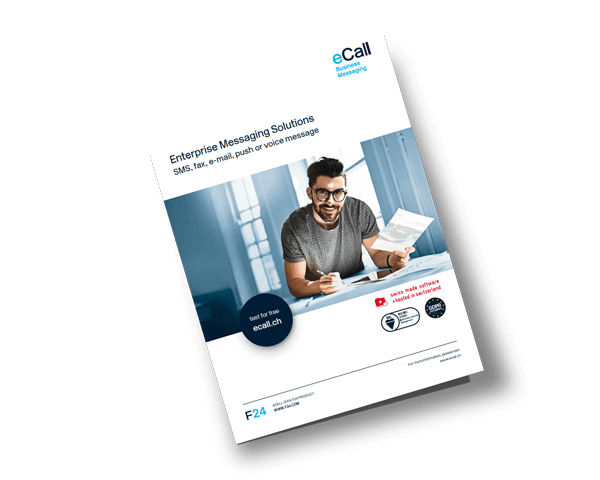
Optimize your business communication with online fax using eCall
Learn from our product brochure how you can easily integrate our Business Messaging Service into your software solutions, CRM and ERP systems, SAP, or apps and digitize your faxes.
Communication via online fax – key areas of application
Sending lab orders, documents, referrals, and patient reports via fax.
Sending promotional offers and product information to customers and partners.
Orders, order confirmations, and sales contracts with customers, partners, and suppliers.
You might also be interested in:
Fax – why is it still around?
Our pricing models
We offer various pricing models or customized terms. Let’s discuss a tailored offer that fits your needs. Our pricing overview provides an initial guide.

Try it for free. And if you have any questions, we’re happy to assist you personally.
Phone support
during business hours:
+41 44 787 30 70
Inquiries or support
via email:
Contact us
by fax:
+41 44 787 30 71